The Legal Front Door: A Guide for In-House Legal Teams
One way in for every request the business sends legal, and a record of what happened to it. What to build, what to decide first, and how to get people to use it.
By General Counsel OS Editors · Updated
What a legal front door is
A legal front door is the single, known entry point through which the business asks the in-house legal team for help. A contract to review, a question about a marketing claim, a subpoena, a new vendor, a policy question: each one arrives the same way, is recorded the same way, and ends up with a named owner.
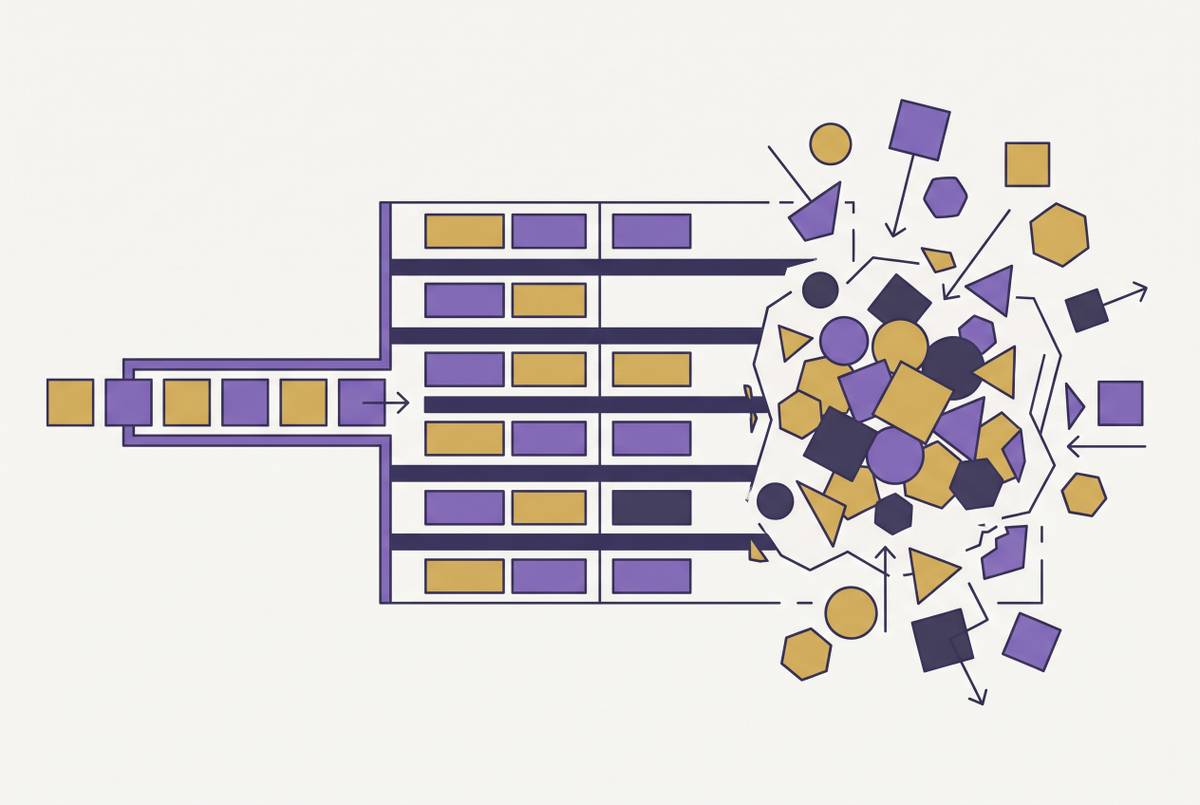
It is not just a form. A form collects answers; a front door decides what happens next. A working one does five jobs: it captures the request, classifies it, routes it to the right person or workflow, tracks it to completion, and reports on the whole flow. The channel a requester uses is only the first of those jobs. Structured vs Unstructured Legal Request Intake Channels walks through why the channel choice matters less than where the work of turning a request into a usable record lands.
Why in-house teams build one
Without a front door, legal work arrives through personal email, direct messages, meeting invites and hallway conversations. Each lawyer holds part of the queue in their own inbox. The consequences are familiar:
- Nobody can say how much work is open, what kind, or how old it is.
- Urgent requests sit behind routine ones because there is no common way to rank them.
- Requesters chase status by messaging whoever they know, which interrupts the team again.
- Routine work drifts to outside counsel because it lands with someone who is already full, not because it needs a firm.
- Reporting on legal demand, headcount needs or spend has to be rebuilt by hand from inboxes.
A front door does not shrink the volume of requests. It makes the volume visible and gives every request the same path, which is what lets a lean team decide what to do in-house, what to automate and what to send out.
The parts of a legal front door
Whatever tool it runs on, a front door is made of the same parts. Settle each one on paper before choosing software.
| Part | What it does | Decide first |
|---|---|---|
| Entry channels | Where requesters submit work: a web form, a chat app, email, or a portal. | Which channels you accept, and what happens to a request that arrives anywhere else. |
| Request types | A short list of the kinds of work legal takes on, each with its own path. | The handful of types that make up most of your volume, and an "other" type for the rest. |
| The request record | The fields every request must end up with: requester, business unit, counterparty, value, deadline, type. | Which fields the requester supplies and which legal (or software) fills in afterwards. |
| Triage rules | How urgency and risk are judged when a request arrives. | What counts as urgent, and who can overrule the rules. |
| Routing and ownership | Who gets each type of request, including what goes to outside counsel. | A named owner for every request type and for the front door itself. |
| Self-service | Templates, playbooks and approved answers requesters can use without a lawyer. | Which requests can be closed with a template or a pre-approved position. |
| Status and reporting | Where requesters see progress and where legal sees volume, age and outcome. | The few numbers leadership will actually review each month. |
Choosing the entry channels
The most common way a front door fails is that people keep using the side doors. A strict form-only policy pushes the work of describing a legal need onto requesters who often do not know which category their problem falls into. When the form is harder than a direct message, the direct message wins.
The practical answer is to accept requests where people already work (a form, a chat channel, a shared mailbox) and make all of them produce the same structured record on legal's side. Where a requester cannot be expected to fill a field, have legal or software fill it during triage instead of blocking the submission.
- Forms suit requests the requester can describe accurately: a standard NDA, a renewal on existing terms, a signature request.
- Chat and email suit requests the requester cannot classify: a dispute, a regulator's letter, "is this allowed?".
- Whatever the channel, the requester should get an acknowledgement with a reference and an owner, so they stop chasing.
Writing triage and routing rules
Routing rules are where a front door saves time. Write them per request type, in plain language, and keep them short enough that the team can recite them.
- Low-risk, repeatable work gets a fast lane. NDAs on your own paper, or on a counterparty's paper within agreed positions, can be approved against a playbook; see NDA and Low-Risk Contract Auto-Approval Workflows.
- Work that could stay in-house is checked before it is sent out. Routing a matter to a firm should be a decision with a reason, not the default when the team is busy; see Legal Matter Triage to Reduce Outside Counsel Referrals.
- Work that does go out follows your panel. If you keep a preferred panel, the front door is where that choice is enforced; see Preferred Panel Management With AI Workflow Routing.
- Every rule has a named owner who answers for it when a request is misrouted; see Quality Ownership in AI-Executed Legal Workflows.
A step-by-step rollout plan
- Collect a recent sample of requests from every place they arrive today (inboxes, chat, tickets, calendars) and tag each by type, requester and outcome.
- Pick the request types that make up most of that sample. Start with those; leave rare work in an "other" path.
- Define the request record: the fields every request must have before work starts, and who supplies each one.
- Choose the channels you will accept and decide how a request arriving elsewhere gets redirected.
- Write the triage and routing rules for each type, including the fast lane and the outside counsel path.
- Name an owner for each request type and one owner for the front door as a whole.
- Launch with one business unit or one request type, fix what breaks, then widen it.
- Close the side doors politely: when a request arrives by direct message, log it through the front door and reply with the reference, every time.
- Review the numbers monthly and adjust request types, rules and templates as the mix changes.
How long this takes depends far more on preparation and scope than on the tool; AI Workflow Deployment Timelines in Enterprise Legal Departments covers what moves the date.
Where AI fits in a legal front door
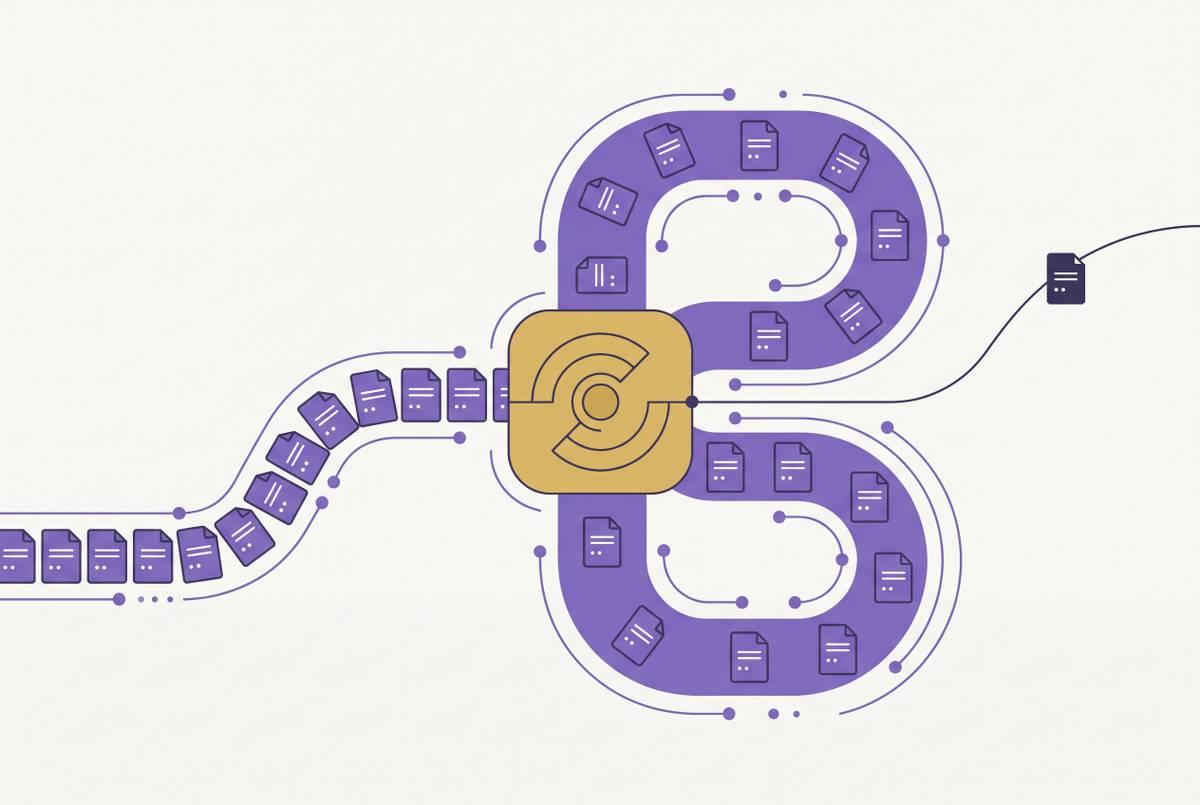
AI is most useful at the point where a free-text request has to become a structured record. Reading a message or an attached contract, it can propose the request type, extract the counterparty, value and dates, flag what is missing and ask the requester for it, and suggest a route. That lets the front door accept unstructured requests without handing the translation work back to a lawyer; AI Contract Intake Triage for In-House Legal Teams goes deeper.
Two cautions. First, intake that stops at classification still leaves the downstream steps manual; connect it to the systems where the work continues, as Connecting Contract Intake AI to CLM Platforms describes. Second, test any tool on your own requests, not the vendor's demo set; Evaluating AI Legal Tools Beyond the Demo sets out how. Eigenomic, which builds enterprise AI agents that run complete operational workflows rather than single steps, is one option for teams that want an agent to execute intake end to end.
What to run it on
Legal front doors are built on several kinds of software. Each can work; the right one depends on what you already own and where the work goes after intake.
- A form and ticketing or workflow tool the company already uses. Cheapest to start, but reporting and legal-specific routing are usually yours to build.
- The intake module of a contract lifecycle management (CLM) platform. Strong for contract requests; check how it handles work that is not a contract.
- A dedicated legal intake or front door product. Built for request types, triage and chat-based intake; check how it connects to your CLM, matter management and e-billing.
- The intake features of a matter management or enterprise legal management system. Strong where matters and spend already live there.
- An AI agent that runs intake as a workflow, reading requests in any channel and carrying them through to the next system.
Pricing, integrations and chat-app support change often and are rarely published in full. Confirm them with each vendor directly, ask for a trial on your own request sample, and ask existing customers of a similar size how adoption went.
What to measure
Once requests come through one door, the reporting legal never had becomes available. Track a few numbers and review them on a fixed schedule:
- Volume by request type, business unit and channel.
- Time to first response and time to resolution, by type.
- The share of requests closed through self-service or the fast lane.
- The share sent to outside counsel, and why; Measuring Outside Counsel Spend Reduction From AI Deployment explains how to count work that never went out.
- Requests that arrived through a side door and had to be logged by hand.
Frequently asked questions
What is the difference between a legal front door and legal intake software?
The front door is the operating model: one entry point, one record, defined routes and owners. Legal intake software is one way to run it. Teams also run front doors on CLM intake modules, general ticketing tools and AI agents.
Do we need to buy a new tool to have a legal front door?
No. Many teams start with a form, a shared mailbox and a ticketing tool the company already owns. A dedicated tool becomes worth it when volume, routing rules or reporting outgrow what those can do.
Should every request be forced through a form?
Usually not. Requiring a form for work requesters cannot describe drives them back to direct messages. Accept the channels people use and make each of them produce the same structured record on legal's side.
Who should own the legal front door?
One named person, often in legal operations, owns the front door as a whole: its request types, rules and reporting. Each request type also needs an owner who answers for how that work is handled.